

The Connected Firm: Building a Seamlessly Integrated Tech Stack for Professional Services in 2026

Professional services firms face growing pressure to deliver faster, smarter, and more personalized solutions to clients. The key to meeting these demands lies in building a tech stack that connects every part of the business smoothly. In 2026, firms that master tech stack integration professional services will gain a clear edge by improving efficiency, reducing errors, and enhancing client experiences.
This post explores how firms can create a connected technology environment using tools like MuleSoft 2026 and Salesforce Flow Orchestration. It offers practical steps and examples to help firms design a tech stack that works as one seamless system.

Why Integration Matters More Than Ever
Professional services rely on data and workflows that span multiple departments: sales, project management, finance, and client support. When these systems operate in silos, firms face:
Delays caused by manual data entry and handoffs
Inconsistent client information across platforms
Difficulty tracking project progress and billing accurately
Limited ability to respond quickly to client needs
By 2026, clients expect firms to deliver faster insights and more personalized service. A connected tech stack eliminates friction by linking systems and automating processes. This means teams spend less time on routine tasks and more time on value-added work.
Key Components of a Connected Tech Stack
Building a seamless tech stack requires selecting tools that integrate well and support automation. Here are essential components firms should consider:
1. Integration Platform as a Service (iPaaS)
Platforms like MuleSoft 2026 provide the backbone for connecting cloud and on-premise applications. MuleSoft enables firms to:
Connect CRM, ERP, project management, and finance systems
Create reusable APIs for consistent data exchange
Monitor integrations in real time to prevent disruptions
For example, a consulting firm might use MuleSoft to sync client data between Salesforce and their billing system, ensuring invoices reflect the latest project updates.
2. Workflow Automation Tools
Salesforce Flow Orchestration allows firms to automate complex business processes across multiple teams. It helps by:
Designing multi-step workflows with conditional logic
Routing tasks automatically based on client data or project status
Triggering notifications and approvals without manual intervention
A legal services firm could use Salesforce Flow Orchestration to automate contract review steps, reducing turnaround time and improving compliance.
3. Data Management and Analytics
Integrated data platforms consolidate information from different systems into a single source of truth. This supports:
Real-time dashboards for project and financial performance
Predictive analytics to forecast resource needs or client risks
Better decision-making based on complete, accurate data
4. Collaboration and Communication Tools
Connecting communication platforms with project and client data keeps teams aligned. Integration ensures:
Instant access to client history during calls or meetings
Automated updates to project status shared across channels
Reduced email overload through centralized notifications
Steps to Build Your Connected Tech Stack
Creating a seamlessly integrated tech stack takes planning and execution. Follow these steps to get started:
Assess Current Systems and Pain Points
Map out all existing software and identify where data or process gaps cause delays or errors. Engage teams across departments to understand their challenges.
Define Integration Goals
Set clear objectives such as reducing manual data entry by 50%, speeding up client onboarding, or improving billing accuracy. These goals guide technology choices.
Choose Integration Tools
Evaluate platforms like MuleSoft 2026 for API management and Salesforce Flow Orchestration for workflow automation. Consider compatibility with your current systems and future scalability.
Design Integration Architecture
Plan how systems will connect, what data flows are needed, and how workflows will automate tasks. Use API-led connectivity principles to build reusable components.
Implement in Phases
Start with high-impact integrations such as syncing CRM and billing systems. Test thoroughly and gather user feedback before expanding to other areas.
Train Teams and Monitor Performance
Provide training on new workflows and tools. Use dashboards to track integration health and process improvements continuously.
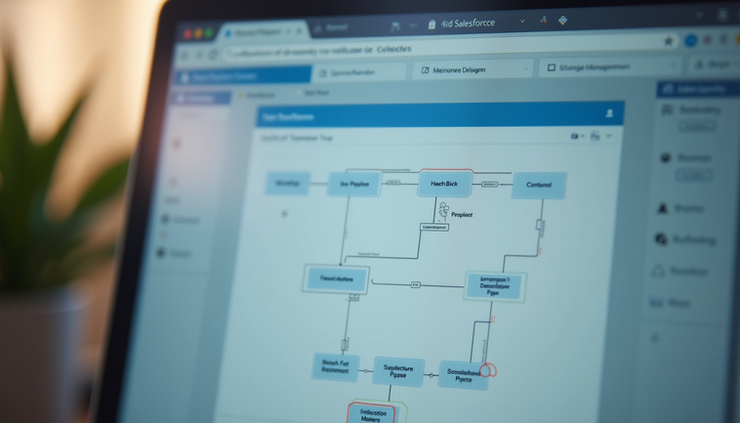
Real-World Example: A Consulting Firm’s Journey
A mid-sized consulting firm struggled with disconnected systems that slowed project delivery and caused billing errors. They adopted MuleSoft 2026 to connect Salesforce CRM with their project management and finance platforms. Using Salesforce Flow Orchestration, they automated client onboarding and project approval workflows.
Results included:
40% reduction in manual data entry errors
30% faster client onboarding time
Improved visibility into project status for clients and teams
This example shows how combining integration platforms with workflow automation creates a connected firm ready for 2026.
Preparing for the Future
As technology evolves, firms must keep their tech stacks flexible and connected. Emerging trends like AI-driven automation and low-code platforms will further simplify integration and workflow design.
Firms that invest in building a connected tech stack now will be better positioned to adapt and grow. MuleSoft 2026 and Salesforce Flow Orchestration offer powerful tools to start this journey.


Comments